How to Remove Background from Any Image Online (Beginner Guide)
Posted in :
Simple, Fast, and Free — No Design Skills Needed
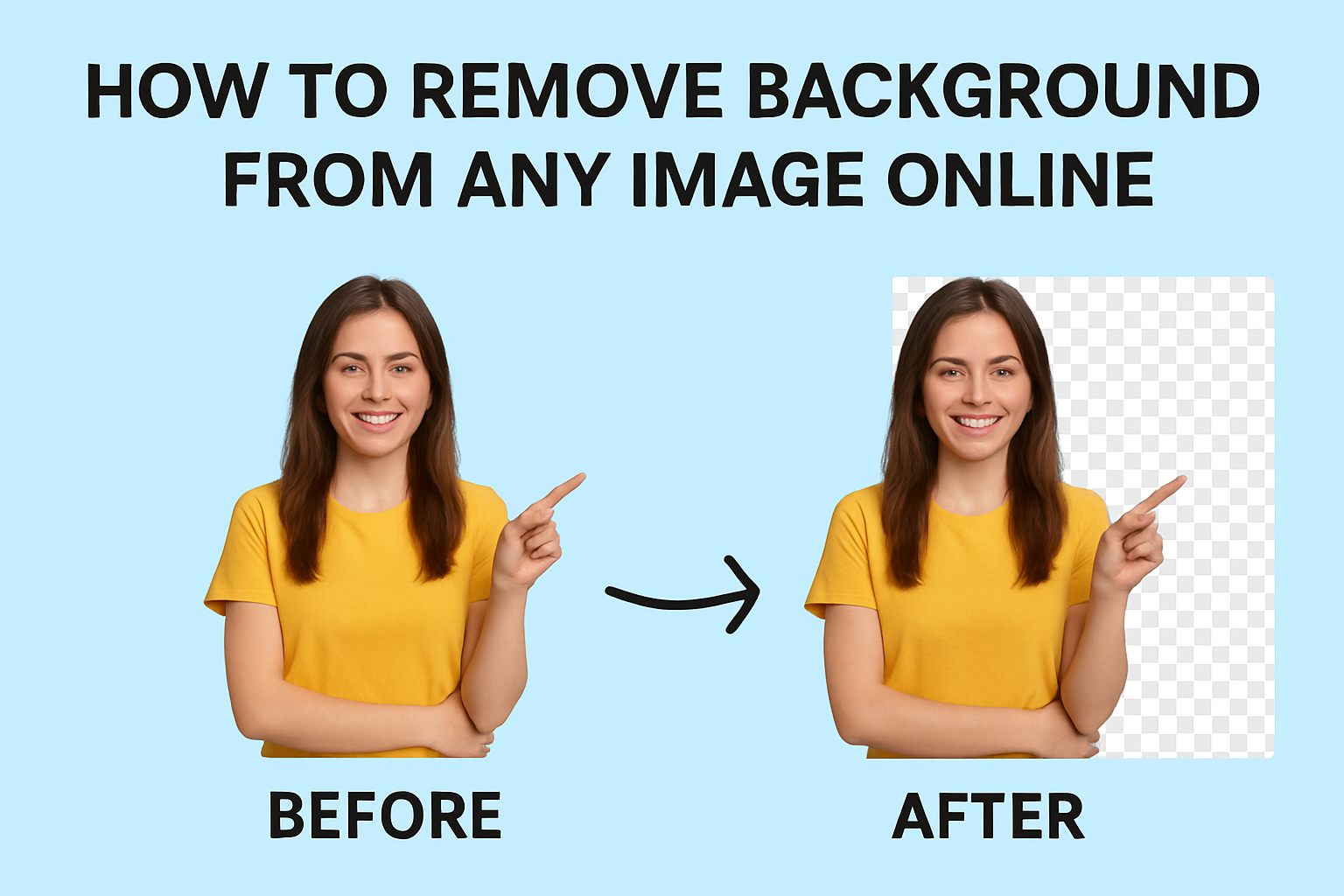
Removing the background from an image used to require Photoshop experience and hours of work. Today, thanks to powerful AI tools like NoMoreBG, anyone can remove backgrounds in seconds — no software, no editing skills, and no complicated steps.
In this beginner-friendly guide, you’ll learn exactly how to remove background from any photo online, why it matters, and how to get perfect results every time.
Why Remove Background from an Image?
Removing a background can instantly upgrade your photo. It’s essential for:
- E-commerce product photos (Shopify, Etsy, Amazon, eBay)
- Social media posts
- YouTube thumbnails
- Business cards & logos
- Personal branding & profile pictures
- Marketing banners & flyers
- ID photos and documents
A clean background makes your subject stand out, improves professionalism, and increases conversion rates on product pages.
⭐ How to Remove Background Online — Step-by-Step
Follow this simple process to remove the background from any image quickly.
Step 1: Visit an Online Background Remover
Open your browser and go to a tool like NoMoreBG.com, which uses advanced AI to detect and remove backgrounds automatically.
You don’t need to download or install anything.
Step 2: Upload Your Image
Click on Upload Image and select any photo from your device.
Supported formats usually include:
- JPG
- PNG
- WebP
- JPEG
The AI instantly analyzes your image and prepares it for background removal.
Step 3: Let the AI Remove the Background Automatically
Within a few seconds, the background will be removed automatically.
The tool outlines your subject cleanly — ideal for:
- People
- Objects
- Products
- Logos
- Animals
- Cars
- Documents
No manual editing required!
Step 4: Download Your Image
Once you’re satisfied with the preview:
Click Download PNG to save your image with a transparent background.
PNG is recommended because:
- It keeps the background transparent
- It maintains high image quality
- It’s perfect for e-commerce and design use
Tips for Best Results
Even with AI doing most of the work, here are some tips to make your image look perfect:
✔ Use high-resolution photos
AI works best with clear images.
✔ Avoid blurry backgrounds
The more contrast, the better.
✔ Keep your subject centered
It helps the AI detect edges accurately.
✔ Use PNG format for transparency
JPG does not support transparency.
5 Common Uses for Background Removal
Here’s how people and businesses use background removal daily:
1. E-Commerce Product Photos
Clean backgrounds increase sales by up to 30%.
2. Social Media & Influencer Content
Create clean, modern visuals for TikTok, Instagram, or YouTube.
3. Logo & Branding Design
Perfect for designers who need transparency.
4. Marketing Materials
Use your images on posters, ads, banners, and webpages.
5. ID Photos & Passport Photos
Quickly switch backgrounds to white or blue.
Why NoMoreBG Is the Best Tool for Beginners
NoMoreBG makes background removal effortless:
- ✔ 100% online
- ✔ Fast AI-powered processing
- ✔ Free to use
- ✔ High-quality cutouts
- ✔ Works for products, people, logos, and more
You don’t need Photoshop or expensive apps — everything happens automatically.
Frequently Asked Questions (FAQ)
1. Is background removal free?
Yes! Many online tools, including NoMoreBG, allow free background removal.
2. Does image quality decrease after removing the background?
No — the AI keeps your image sharp and clear.
3. Can I remove backgrounds from product photos?
Absolutely. It’s perfect for Amazon, Etsy, Shopify, and eBay sellers.
4. Can I edit the image after removing the background?
Yes. You can add a new background, colors, or effects.
5. Is it safe to upload my photos?
Tools like NoMoreBG delete uploaded files automatically to ensure privacy.
Ready to Transform Your Images?
Take your visuals to the next level — remove your image background now in just one click.
👉 Try NoMoreBG now and get a clean, professional image in seconds.